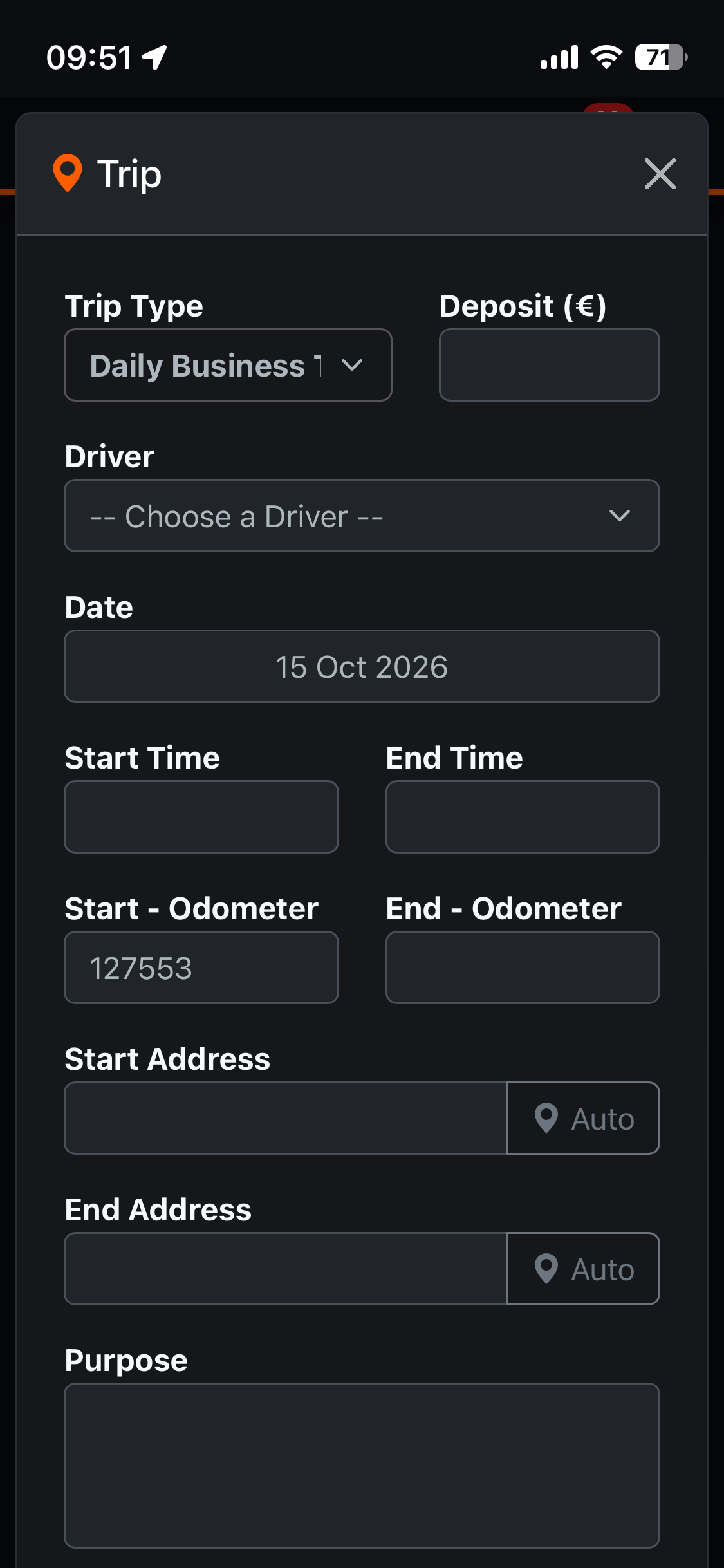
When creating a new trip or adding refueling records, you can enter the address in three ways:
- By voice
- Using your mobile phone’s built-in GPS
- Manually
Using the mobile phone’s built-in GPS:
Example:
Tap the “Drive” or “Add Trip” button. A modal window will appear; next to the address fields (Start, End), you will see an “Auto” option. Selecting this will automatically insert your current location using the built-in GPS. You can also edit this location.