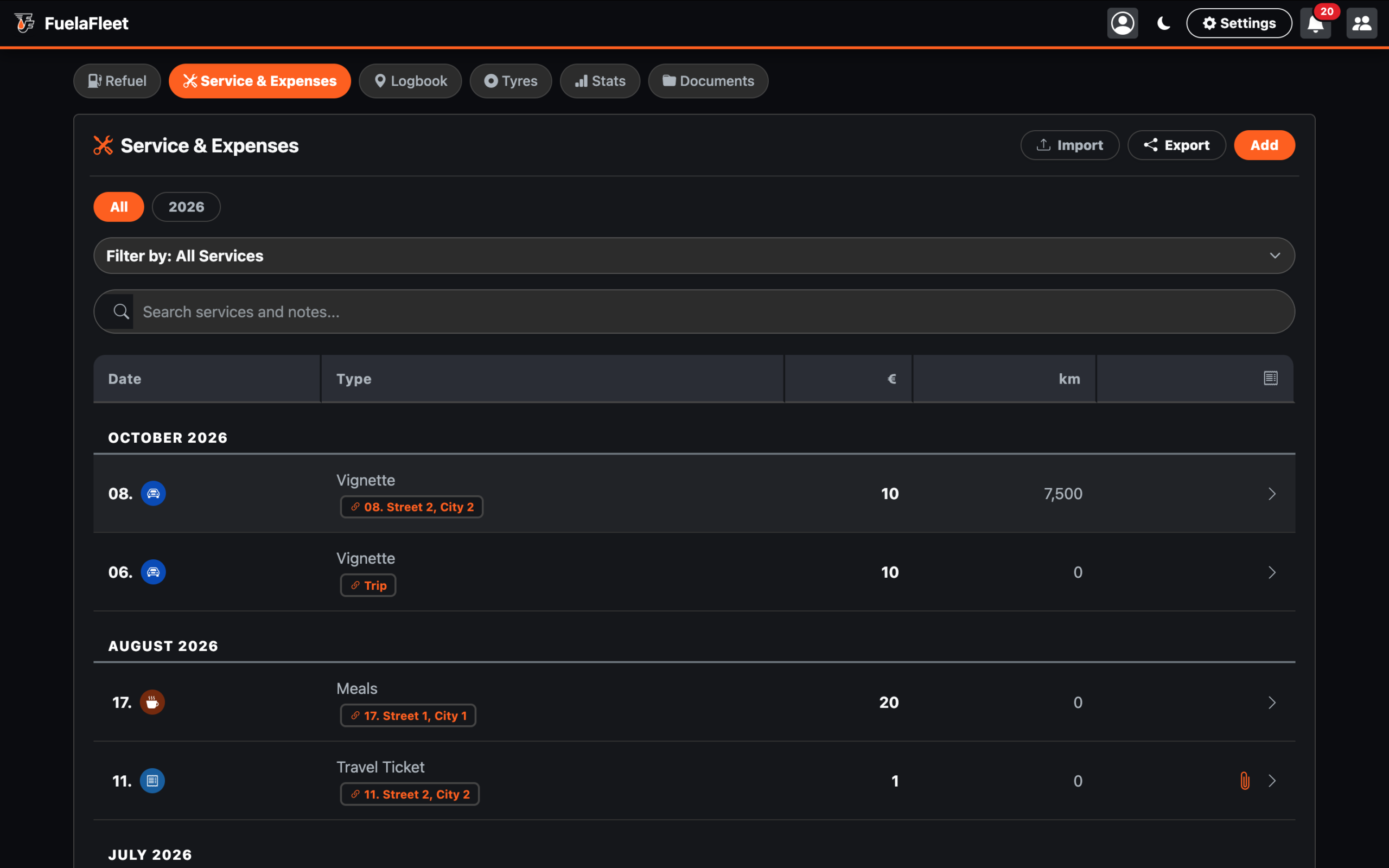
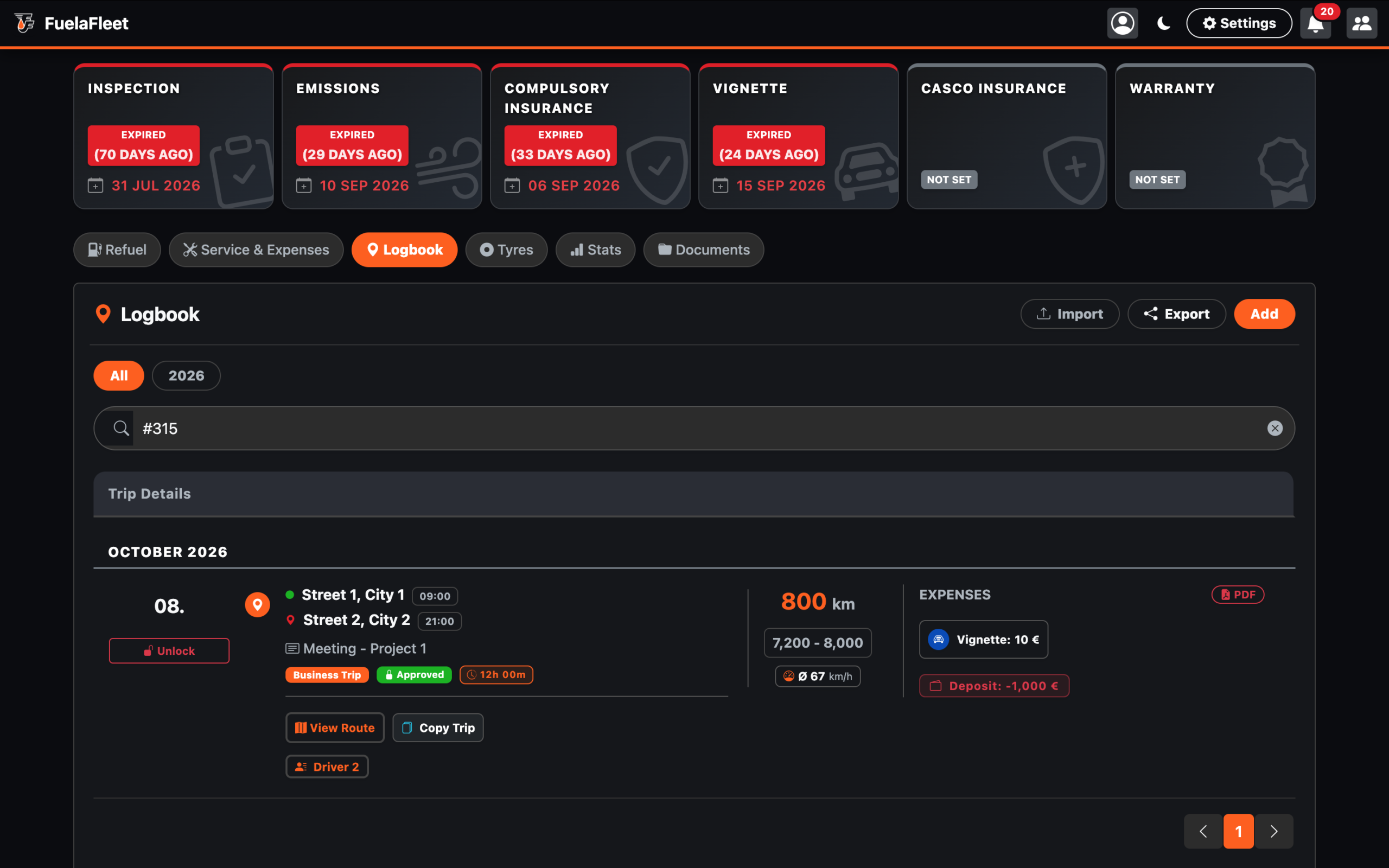
Each business trip is assigned a unique reference number, which links expenses to that specific trip.
Example:
You create a business trip, during which you may incur costs for fuel, meals, accommodation, etc. Any expense entered in the application—under the “Refueling” or “Service & Expenses” sections—can be assigned to a specific trip. You can also attach supporting documentation to an expense, such as a fuel receipt. This ensures that expenses are always linked to the correct business trip.
An accountant has access to the application, where they can view all data and documents required for expense reconciliation. They can then review individual entries and verify their accuracy.