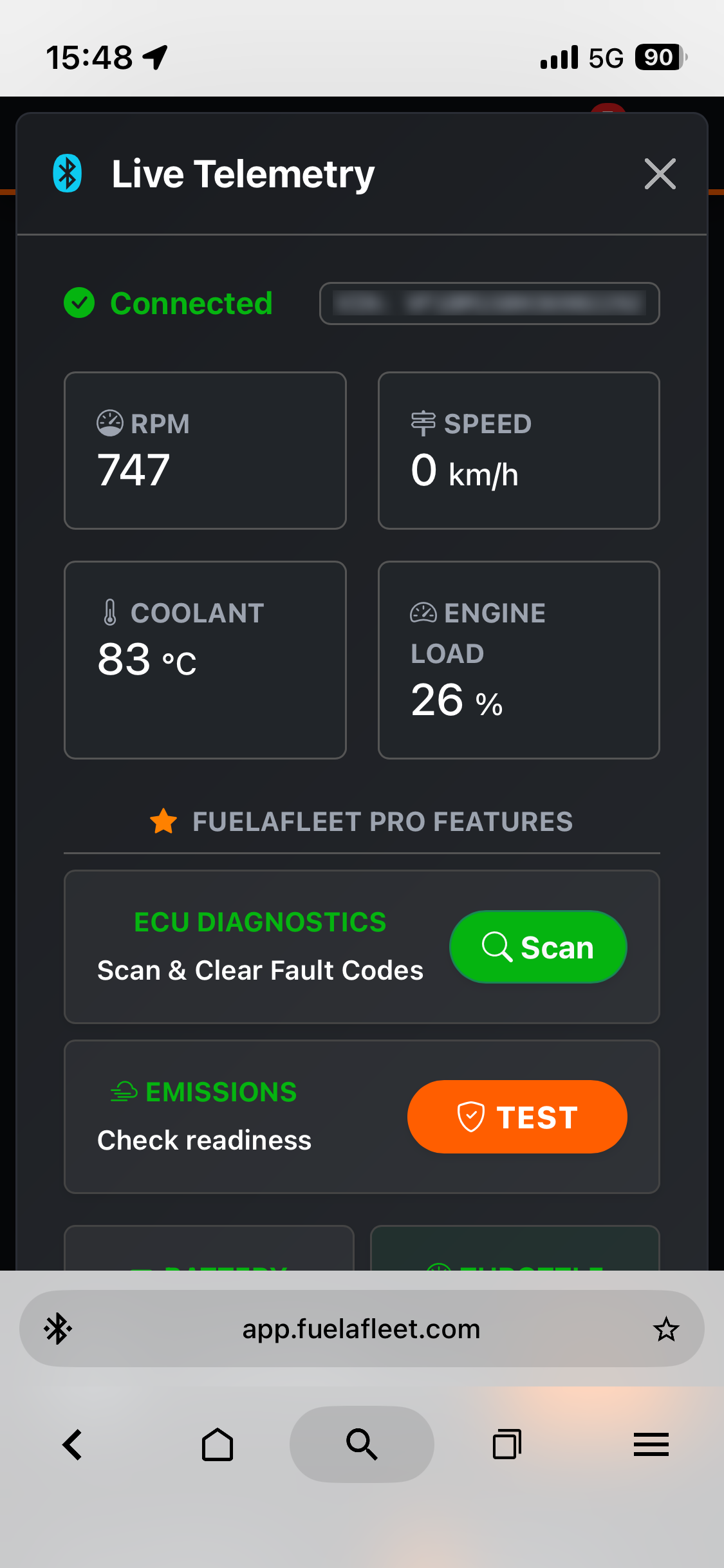
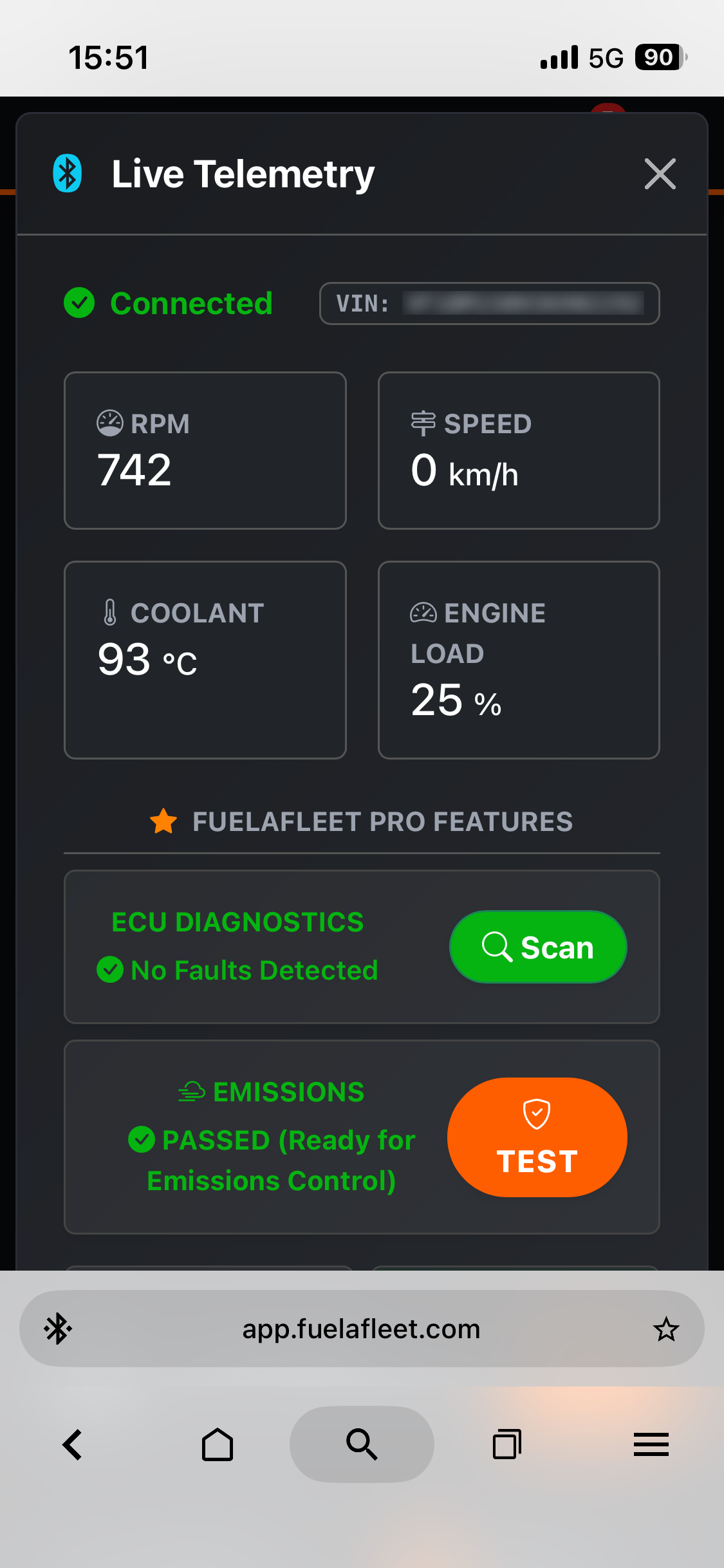
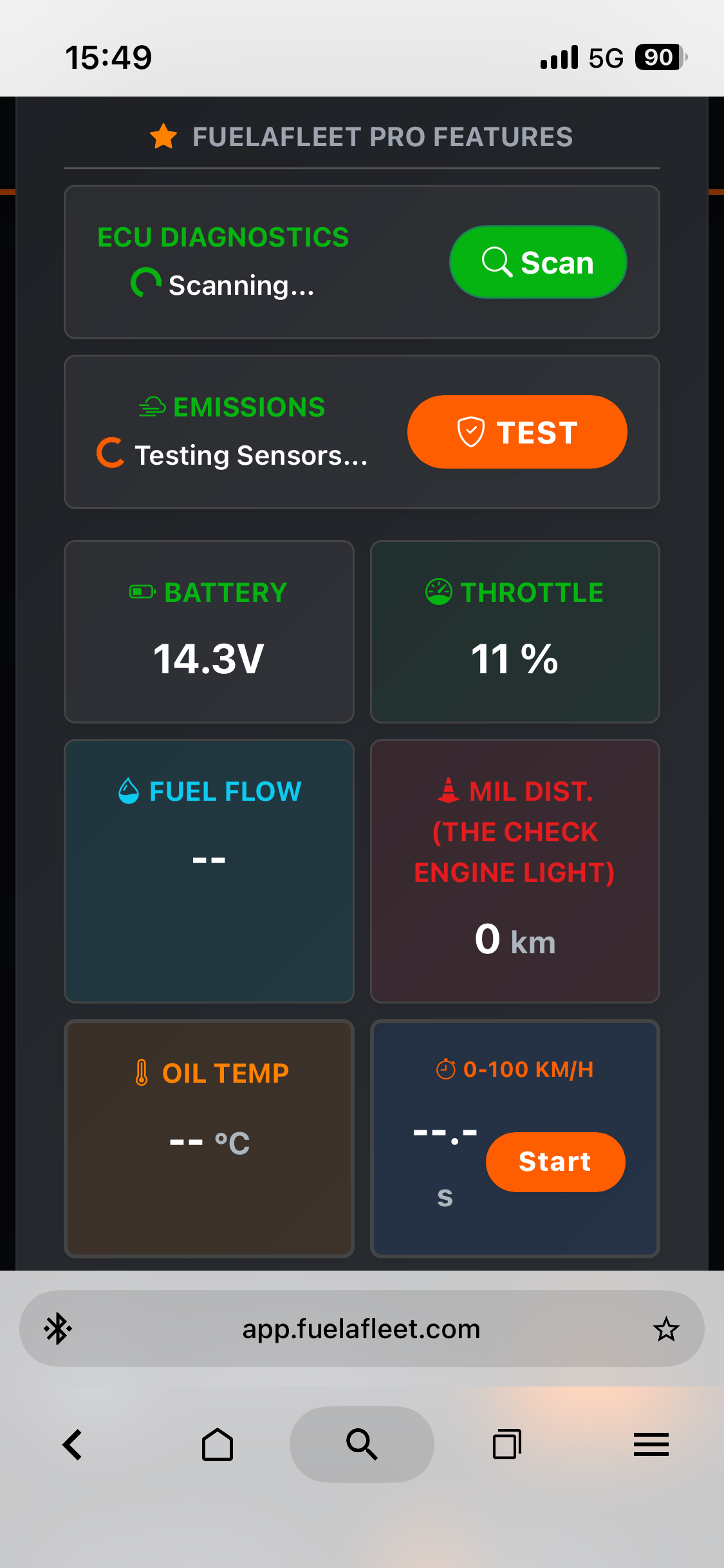
Talk directly to your engine. (PRO Feature)
Why guess when your car can tell you exactly what’s wrong?
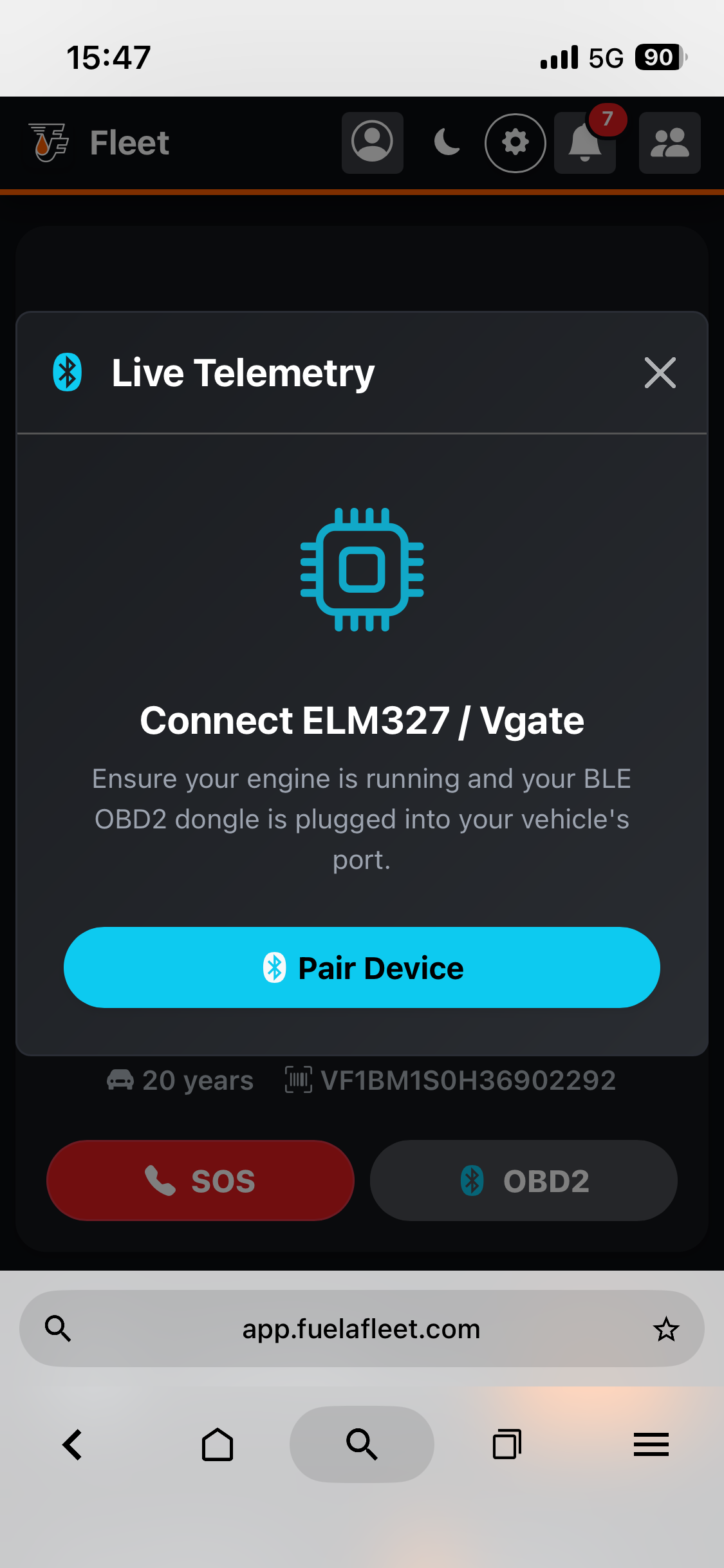
FuelaFleet integrates directly with Bluetooth Low Energy (BLE) OBD2 scanners like Vgate iCar Pro 2s Bluetooth iOS/Android/Windows (We have successfully tested it.) and ELM327. Connect your device and monitor live RPM, vehicle speed, coolant, engine load, ECU diagnostics scan, Emissions Test, battery, throttle, fuel flow, mil dist. (the check engine light), oil temp and 0-100km/h test.
Note: Requires a BLE-compatible browser like Google Chrome on Android/Desktop, or Bluefy on iOS. Bluefy is available on official App Store.
Android users do not need the Bluefy app.
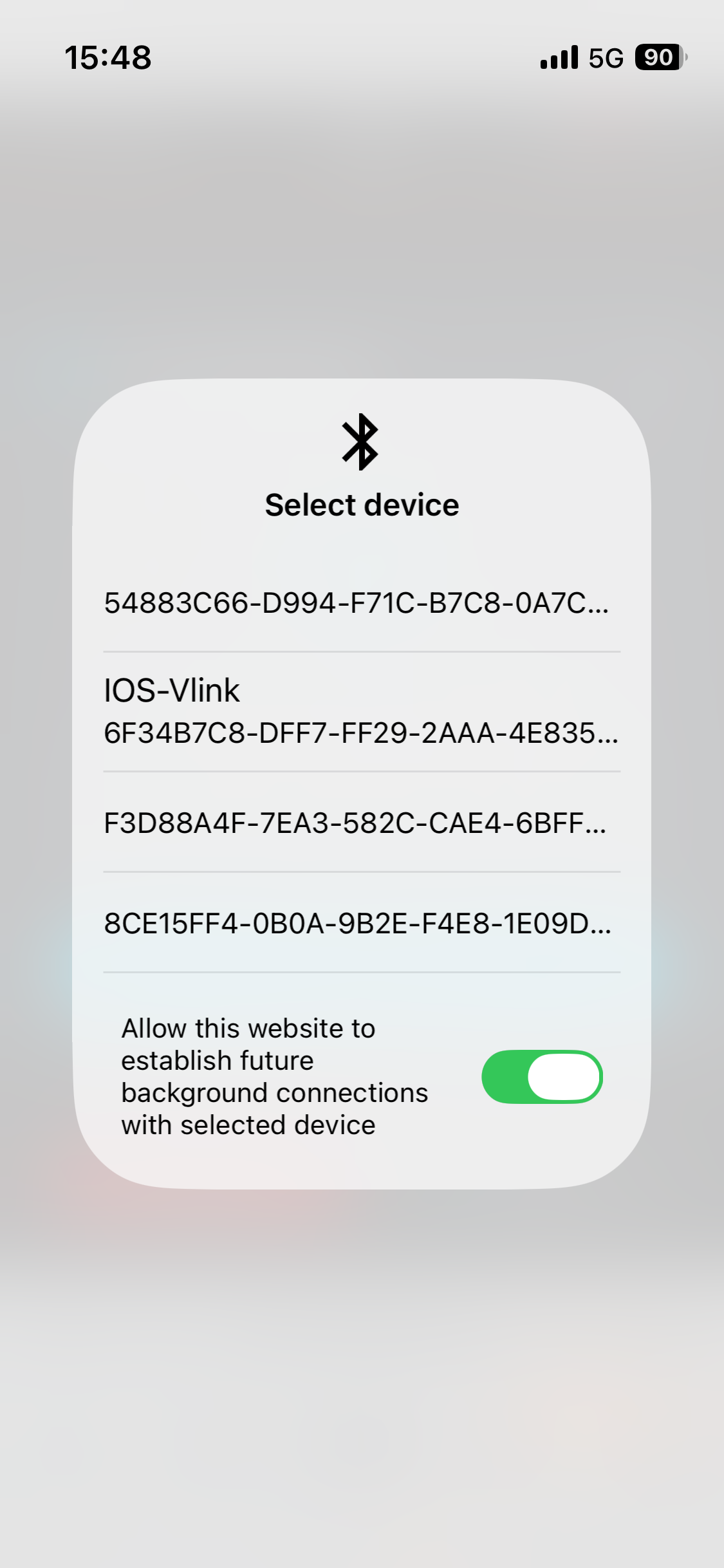
Example how to connect to OBD2
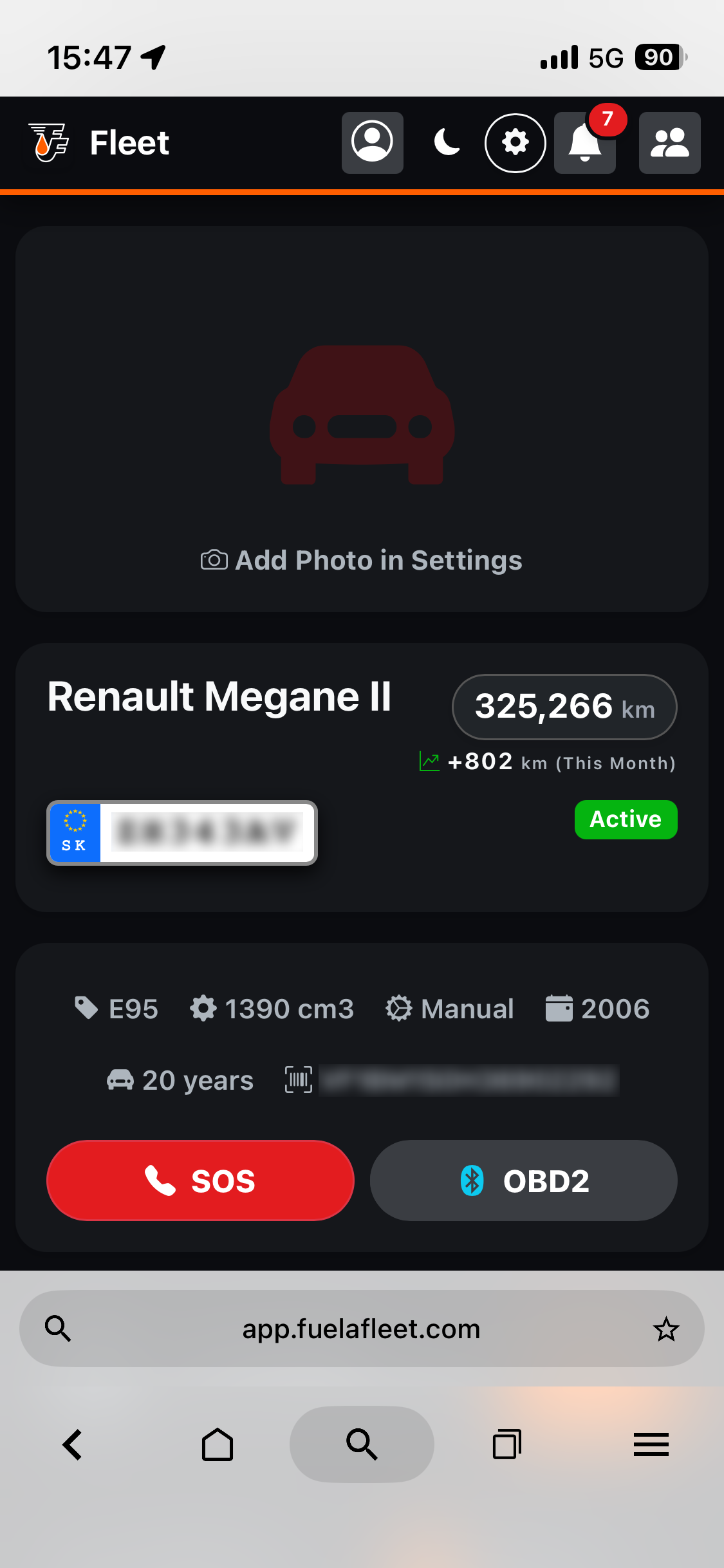
Step 1: Connect Vgate iCar Pro 2s to OBD2
You can find the OBD2 port (On-Board Diagnostics II port) under the dashboard, usually on the driver’s side (e.g., under the steering wheel or under the radio).
Step 2: Android user can connect directly, iOS users need Bluefy App
It always depends on the specific vehicle brand which functions can be read using an OBD2 scanner.